If you’re reading this, there’s a good chance you’ve either heard about or been affected by the coordinated attack on FileMaker servers worldwide.
Ottomatic, our FileMaker hosting service, made the call to take every server offline to protect our customers. We stand by this choice, and we know this has meant real disruptions for you, your businesses, and the people who depend on your systems.
Our investigation is ongoing, and we will share updates along the way. You can follow our progress on the FileMaker server restoration tracker on our homepage.
What’s happened with Ottomatic services
On October 22, our security team noticed the attack reaching our managed FileMaker Servers. It started by probing for files with weak security, and over the next several days it escalated to target the servers themselves and the infrastructure around them. We took all servers offline on October 25.
Impact
- We are treating all FileMaker Server Admin API keys on Ottomatic servers as compromised.
- We are also treating FileMaker Data API and OData API keys as compromised for any Ottomatic server using OttoFMS Webhooks, because the attacker may have reached log files.
- So far, only a small number of servers show signs of attempted data access. Our review is still under way, and this may change.
- If we find that your server was affected, we will contact you directly. If you don’t hear from us, do not assume your server was untouched. Take the steps below either way.
What we've done
- We immediately powered down all hosts to prevent unauthorized access.
- We have redeployed our management systems to ensure all known and unknown credentials have been cycled.
- We’ve deleted FileMaker Server Admin API keys and FileMaker Data API keys from OttoFMS on the Ottomatic platform.
- We’ve created detection scripts to examine individual hosts for potential unauthorized access.
- We’ve hardened network endpoints and enhanced our detection systems.
What to do once your server is restored
- Watch for our "server ready" email and the secure link to your new Admin Console password.
- Update passwords for [Full Access] accounts and for any accounts used for Data API keys.
- Recreate your Data API keys and update any external integrations. We'll send instructions for finding the previous values.
- Contact support@proof.sh if you need help with a web app we built for you.
If you run OttoFMS on-prem or at another host
OttoFMS was not the cause of Admin API keys being compromised nor the reason we powered down all hosts.
Regardless, we have taken precautionary steps to further secure OttoFMS and have released version 4.19.0, which contains important security enhancements. Please download and install this update ASAP using the instructions in the OttoFMS documentation. Servers hosted on Ottomatic will receive this update automatically.
What happens now?
This attack isn’t limited to Ottomatic. FileMaker servers around the world are being hit with password-spraying attacks against the Admin Console, Data API, OData, and XML endpoints. It’s continuing as we speak, with servers still being probed and attackers attempting to find their way in, whether it’s been noticed or not.
The attack is also not limited to FileMaker servers. Our surveillance and analysis suggest that they are going after any and all connected systems that they can reach.
It’s important to stay vigilant and assume that any systems connected to the internet can be under attack at any given moment. The best thing we can do is focus on best practices and support each other.
If you’ve had some tasks on your to-do for a while now that would shore up security, now is definitely the time. We’re happy to help you work through them, whether you host with us or not.
Here are some things you can do now to strengthen security:
- Remove Guest access and weak passwords: Change default admin passwords, and turn off Guest access for WebDirect, OData, and the Data API unless you truly need it.
- Limit who can reach your server: Put FileMaker Server behind a VPN, or restrict the Admin Console and APIs to known IP addresses.
- Check your access logs: Look for bursts of failed logins or repeated attempts from unfamiliar IP addresses.
- Use Encryption at Rest: Encrypting files prevents attempts to access your data outside of FileMaker Pro.
- Follow the Principle of Least Privilege: Accounts should only be granted access to the specific data and resources they need.
- Use service accounts specific to the access methods they use: Don’t use the same account for FileMaker Client, WebDirect, and OData/Data API keys; use separate accounts for specific services.
- Don’t mix public and private schemas: If you need Guest access, create a separate data file that contains only public data.
- Avoid exposing sensitive information in log files or other accessible places: Avoid operations that would expose PII, API keys, and other sensitive information in log files or exports.
- Do not store account passwords in FileMaker fields: Use password services such as 1Password or secrets managers where possible.
Our team & their efforts
Since the moment we took the servers offline, our team has been working around the clock to get everything restored and back to normal. We have folks checking servers—sometimes on an individual basis—rebuilding systems, answering questions, and triaging requests well into the night.
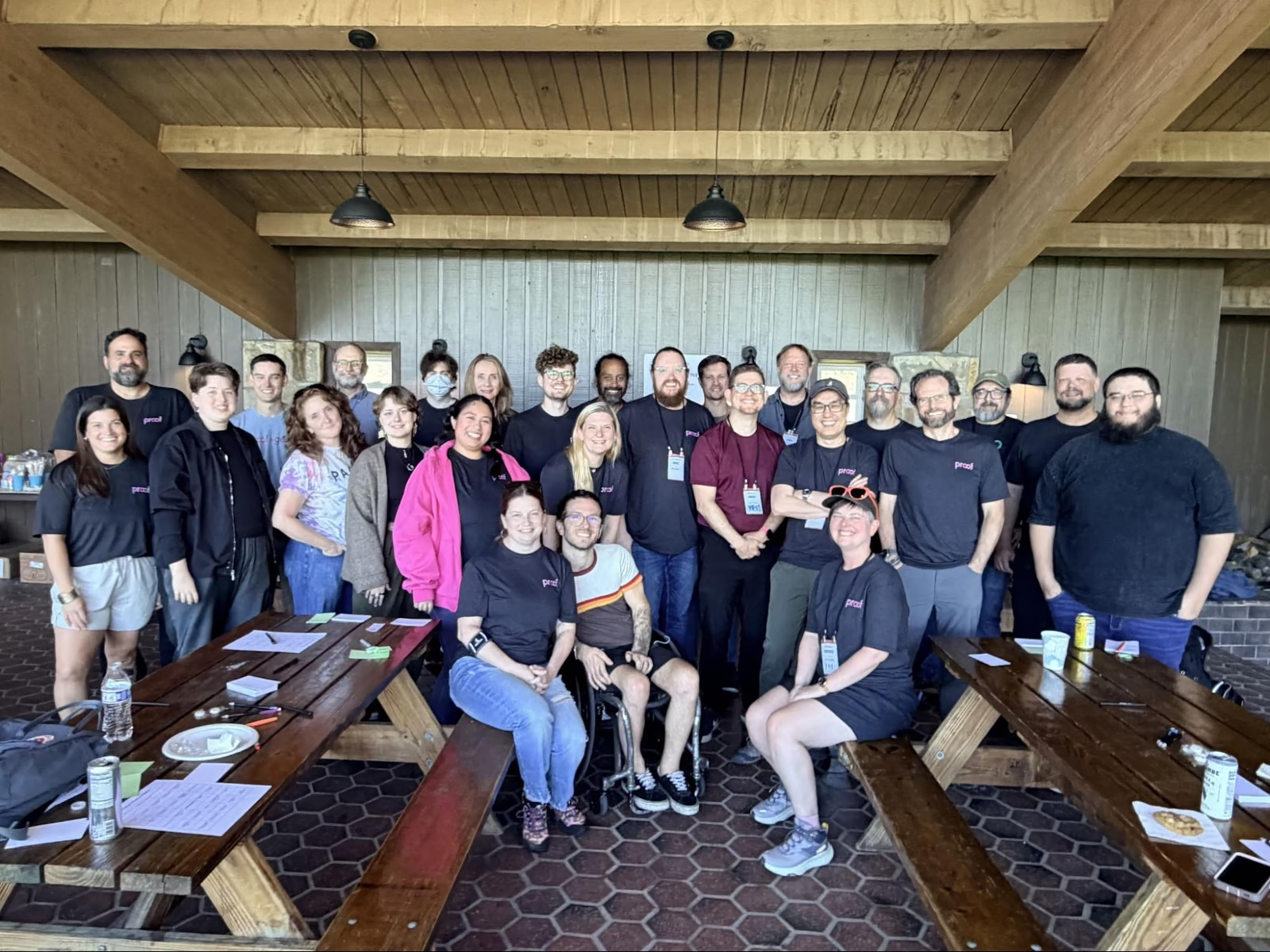
Many of you have been incredibly patient with us, and we’ve had multiple devs reach out to ask how they can help. It means more than we can say. We’re so proud of how hard the Proof team has been working; not simply because it must be done, but because our people care deeply about those that we serve and support.
If you have any questions or need additional assistance through this, reach out to us at support@proof.sh and someone on our team will get back to you as soon as they can.
Thank you for trusting us with your work and for your continued support. There’s more to do, but know that this team will see it through to the end with the care and consideration you deserve.
With gratitude,
Ernest Koe, CEO, and the entire Proof team